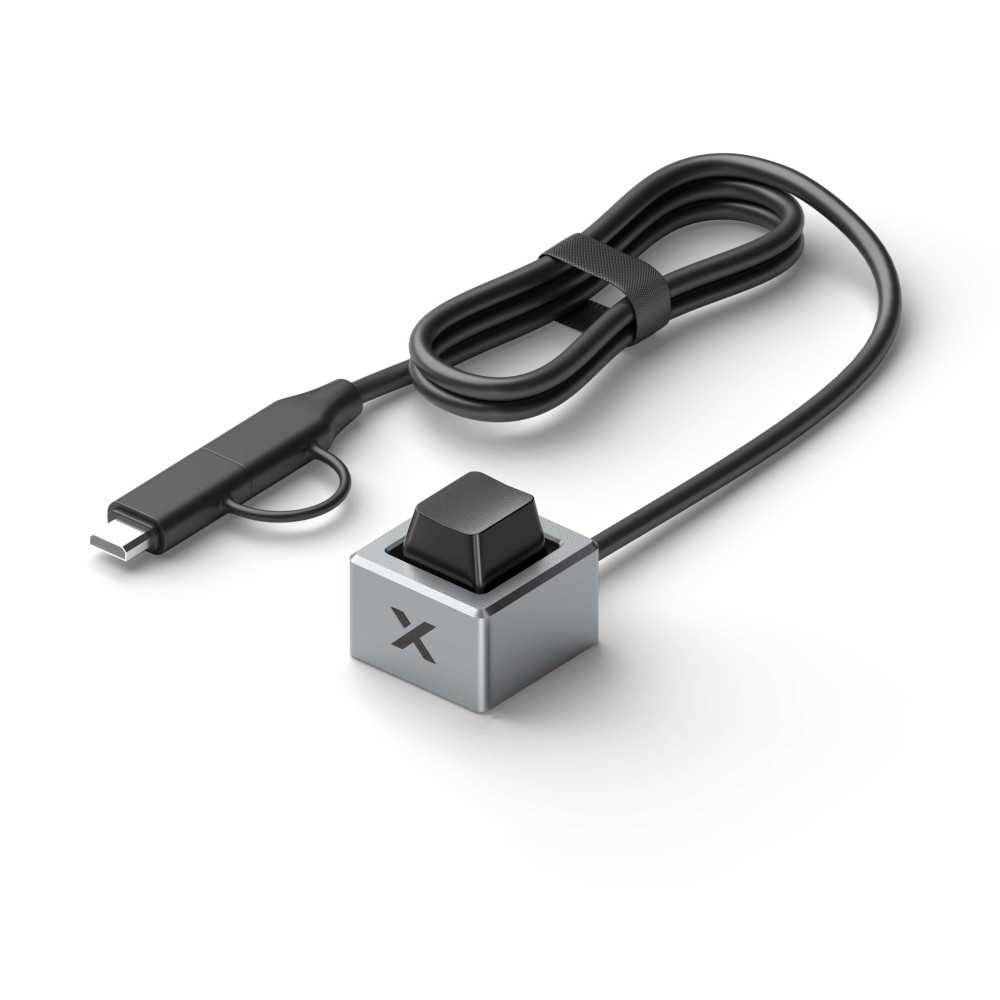
xTool Button Switch for F1
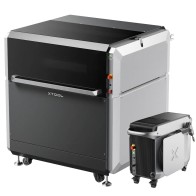
Take your laser engraving experience with the xTool F1 to the next level with the xTool Button Switch for F1—a premium accessory designed to dramatically enhance productivity, precision, and control in every creative project. Whether you're batch-processing intricate designs or switching between materials, the Button Switch introduces unmatched operational ease, making it an essential tool for professionals and hobbyists alike.
Boost Your Batch Engraving Efficiency
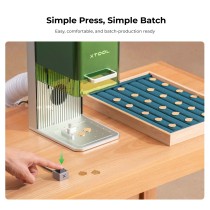
Speed and accuracy are critical when it comes to laser engraving, especially during high-volume production. The xTool Button Switch for F1 enables users to start, pause, resume, or repeat engraving tasks with a simple press—allowing for a smooth, uninterrupted workflow. Say goodbye to delays caused by manual screen inputs and enjoy a new level of creative freedom and operational focus.
- Press once to start the engraving process
- Press again during the job to pause
- Press again to resume
- Double-press to repeat the previous task effortlessly
This tactile control system is designed for speed, consistency, and ergonomic convenience, helping you concentrate on the artwork, not the machine.
Precision and Stability During Adjustments
When fine-tuning engraving positions or aligning materials, stability and responsiveness are crucial. With the xTool Button Switch, you don’t need to reach for software controls or risk movement that could affect accuracy. Simply trigger commands instantly using the switch and maintain perfect control over your F1 laser engraver, reducing errors and setup time.
This hands-free functionality is especially valuable for users managing small, sensitive objects or intricate, layered jobs where every micron counts.
Premium Aluminum Alloy Build – Light, Durable, and Stylish
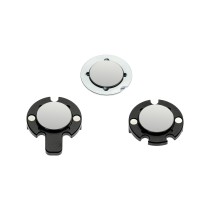
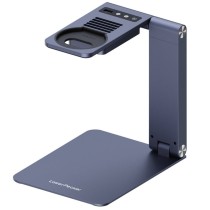
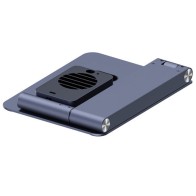
Functionality meets form with the Button Switch’s elegant aluminum alloy construction. Designed to match the sleek aesthetics of the xTool F1, it offers a lightweight yet sturdy build that’s comfortable to operate and made to last. Its refined appearance and reliable feedback enhance both the visual and tactile experience of using your machine.
Compatible with Up to Three F1 Accessories – Tailored to Your Workflow
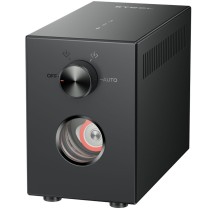
The xTool F1 ecosystem is built for expandability and customization. The Button Switch integrates perfectly with other accessories via dedicated ports on the machine:
| Port |
Accessory Options |
| Port 1 |
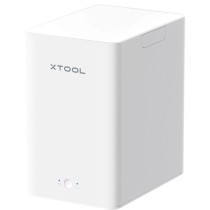
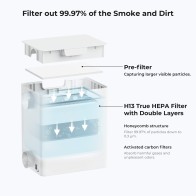
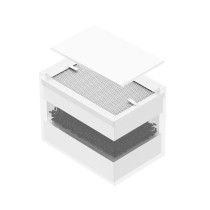
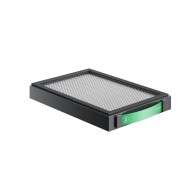
Desktop Air Purifier for F1 |
| Port 2 |
Button Switch or Pedal Switch (choose one) |
| Port 3 |
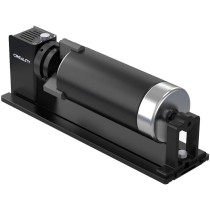
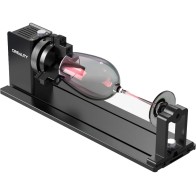
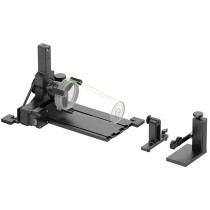
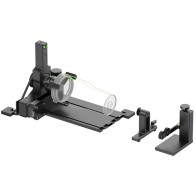
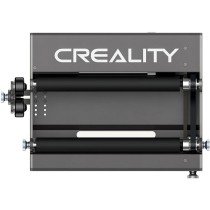
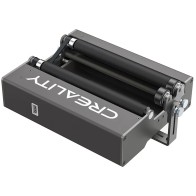
F1 Slide Extension / RA2 Pro / RA2 Pro Plus (choose one) |
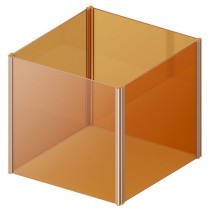
You can use up to three accessories at the same time, creating a highly adaptive environment that matches your specific engraving tasks—whether you're working with rotating objects, extended surfaces, or in enclosed spaces.
How to Use the xTool F1 Button Switch (or Pedal Switch)
| F1 Status |
Switch Action |
Machine Response |
| Ready to Start |
Press / Step |
Start Processing |
| In the Middle of Task |
Press / Step |
Pause Processing |
| Processing Paused |
Press / Step |
Resume Processing |
| Task Complete |
Double Press / Double Step |
Repeat the Task Again |
This intuitive interaction ensures real-time response with minimal effort, making it especially effective for batch production, rework, or paused adjustments.
In the Box
- xTool Button Switch for F1
- User Manual
(Accessory may require available port on the xTool F1)
Available Now at 3DRAYAN.com – Official Dealer of xTool in UAE
As the official distributor of xTool in the UAE, 3DRayan.com proudly offers original xTool accessories with warranty, support, and fast regional delivery. The xTool Button Switch for F1 is an excellent addition to your setup—bringing speed, accuracy, and creative control right to your fingertips.
Highlight Features (Top 7)
- One-touch task start, pause, and repeat
- Supports uninterrupted batch engraving
- Enhances control during material setup
- Compatible with F1 Air Purifier & RA2 Pro
- Lightweight aluminum alloy construction
- Works with pedal or button (choose one)
- Sleek design fits your F1 workspace


 English
 العربية